Overview
Where calibration stands today: how many pieces are in date, due soon, overdue or not to be used, and what comes due in the months ahead.
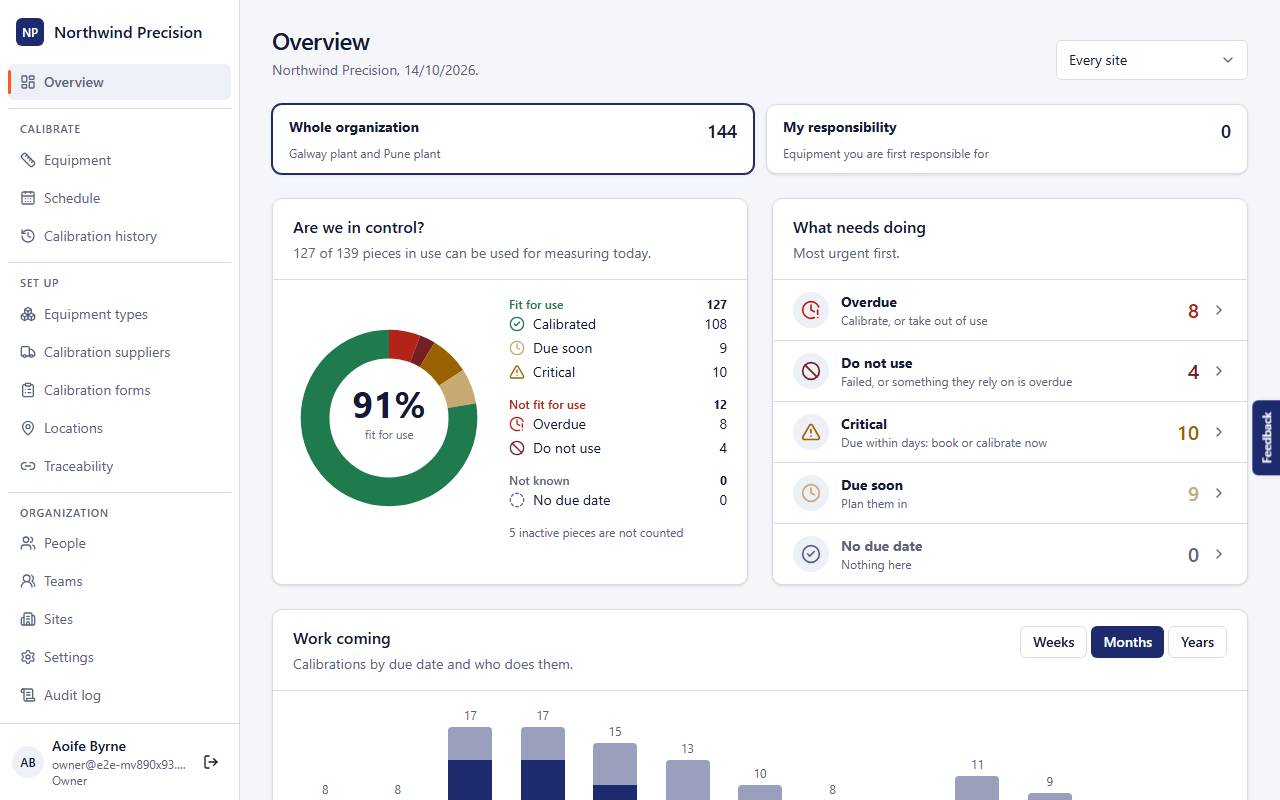
How to: see where calibration stands
- Open Overview: “Are we in control?” shows how many pieces may be used for measuring today.
- Under “What needs doing”, press a line such as Overdue: the equipment list opens with exactly those pieces.
- Switch Work coming between Weeks, Months and Years to see what comes due.
- Press “My responsibility” to see only the pieces you look after.
What you can do here
- Press a number to open the equipment list with exactly those pieces.
- Statuses are worked out from the due dates every time, so the numbers are never stale.
Related
The same text as “Help for this page” in the app. Open GageMakkal